



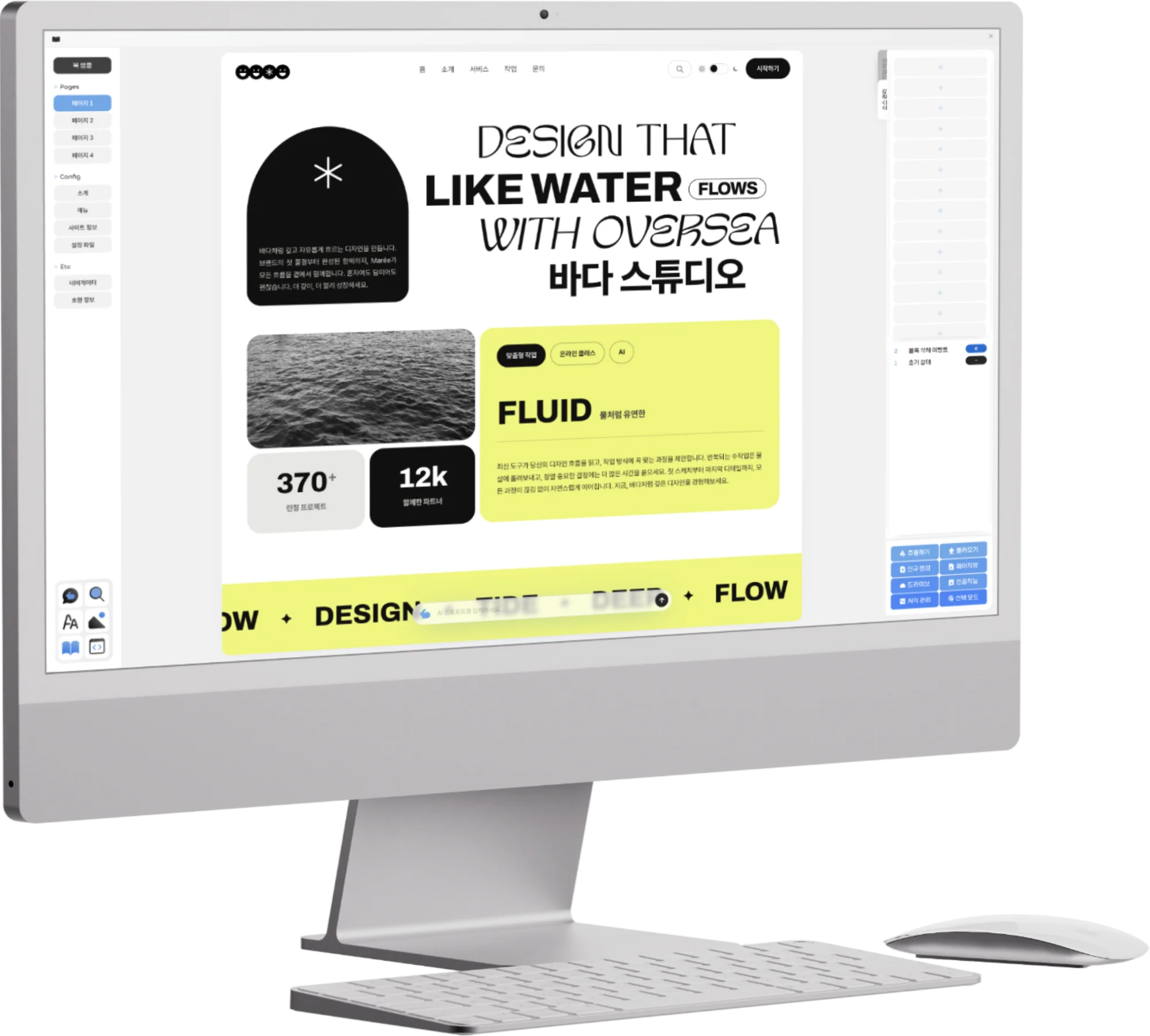
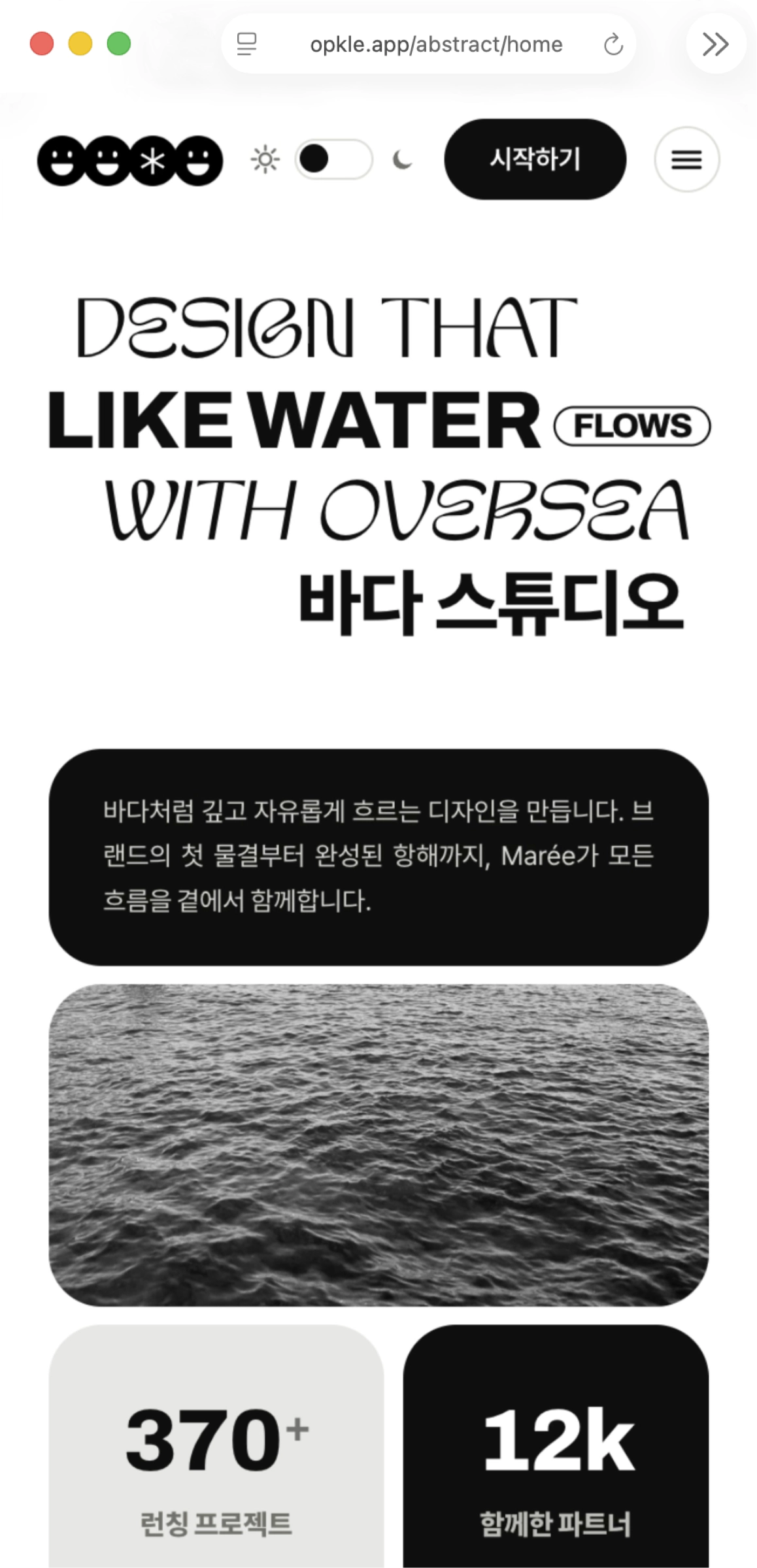

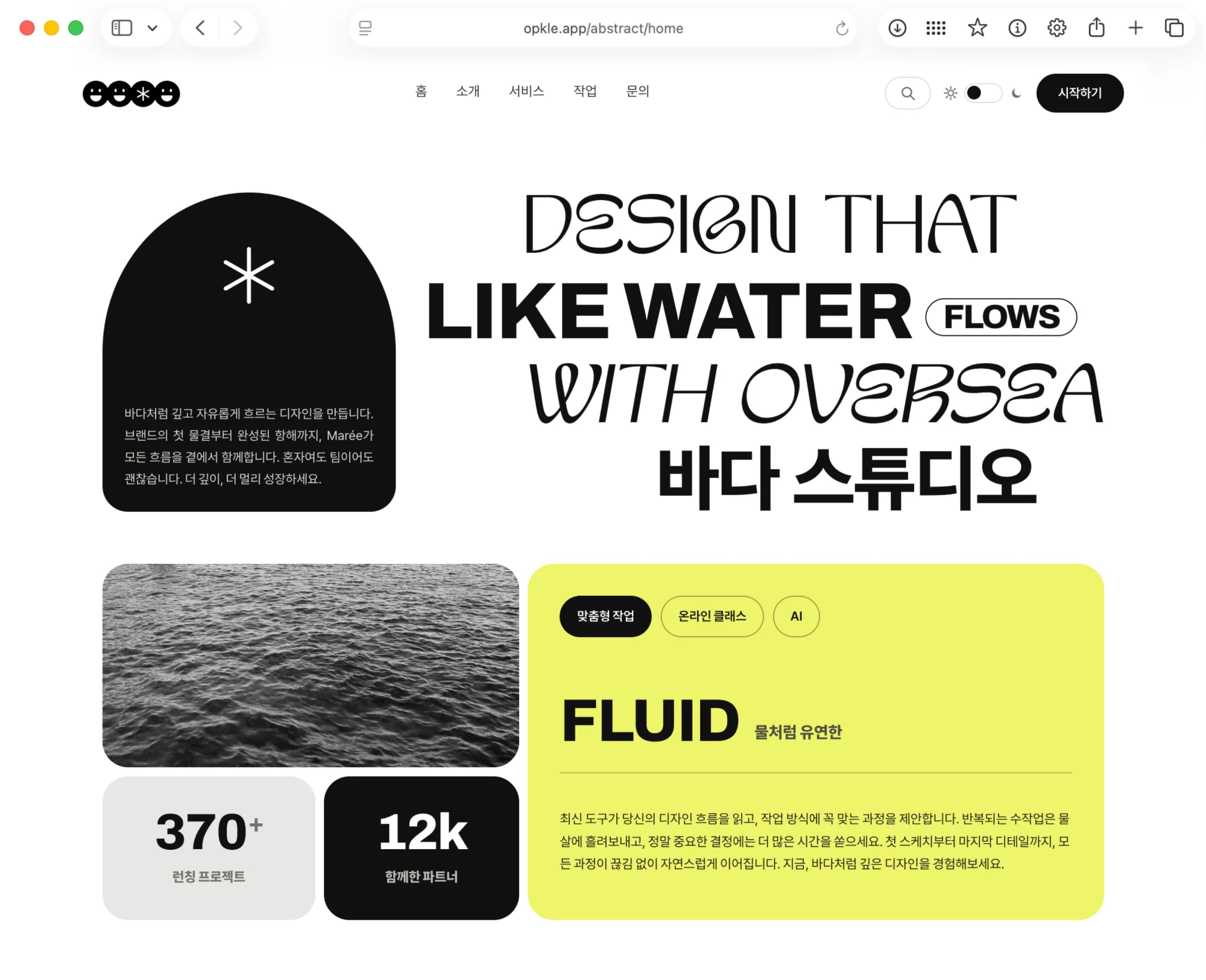


By the time the first build was behind me, one thing was clear. Handling HTML and CSS a little more comfortably on top of CodeMirror 6 wasn't enough. Creators wanted to see the page of the book, not the code, and they wanted to touch paragraphs, images and margins in something close to how they would actually be read. So the next step naturally became the preview. But this preview was not a simple preview panel. What I wanted to build was a screen that you look at and edit at the same time.
From that moment, there were many more layers to design. If a paragraph was edited in the preview, the XHTML string in the CodeMirror 6 behind it had to change, and if a style changed, the CSS string had to be updated too. And the result had to be saved to IndexedDB again. Conversely, when code was edited in CM6, the preview DOM had to be re-rendered. I needed a structure in which the screen, the code strings, the internal document state and the data saved in IndexedDB all pointed at the same document.
From the start I felt this part needed more careful design than ordinary two-way synchronization. The DOM is a living object, HTML and CSS are serialized strings, and IndexedDB holds a stored snapshot. Each has its own sense of time. At the instant a user drags a block on screen, you have to decide in advance at what granularity that change is reflected in the HTML, how far the CSS gets recalculated, and when the save is committed. From this point Opkle Editor began to grow from a simple code editor into a state synchronization system.
Between an iframe and Shadow DOM
The first thing I worried about when building the preview screen was isolation. The EPUB body has to render in an independent CSS environment. The editor's own UI styles and the book's CSS must not mix. If classes used for buttons, panels, toolbars and popups collide with classes inside the book, the preview becomes a screen you can't trust. So at first I weighed both an iframe and Shadow DOM.
An iframe is strong on isolation. It has its own document context, and its CSS and JavaScript execution environment can be separated from the parent. It can even be treated as an independent document, much like a real reading system. But once you start using it as an editor, the cost grows. You have to keep connecting selection, drag events, the context menu, resource paths, focus and undo/redo between the parent editor and the DOM inside the iframe. It can be done with postMessage or direct contentWindow access, but the denser the editing events became, the heavier that boundary felt.
Shadow DOM was a different kind of choice. It lets you get style scoping while staying in the same document, and you can keep it closer to the editor's state management and event system. If I rendered the EPUB body DOM inside a shadowRoot, I could inject the book's CSS in there and separate it, to a degree, from the outer UI styles. At the same time, it was easy for the parent-side TypeScript code to track the block nodes inside the shadowRoot directly and attach events to them.
In the end I chose Shadow DOM. It wasn't a perfect reading system sandbox; it was a choice made to build an editable preview surface. That choice largely determined the structure that followed. The EPUB body was no longer a plain string but a live DOM tree inside a shadowRoot, and each element of that DOM tree began to be treated as an editable block.
Splitting the Preview DOM into Blocks
After choosing Shadow DOM, how to view the body text as editing units became important. If the whole HTML is handled as one big string, the user is still trapped inside the logic of a code editor. So inside the preview I began handling elements such as paragraphs, headings, images, containers and column structures as blocks. Each block had to be a DOM node and, at the same time, be able to return to the original XHTML.
In this structure each tag is no longer a plain HTML element but an editable object. I rendered elements such as `p`, `h1`, `img`, `section` and `div` inside the shadowRoot, gave each element a block id or data attribute, and attached events such as pointer event, click, double click, contextmenu, dragstart, dragover and drop at the block level. I wanted a flow where clicking a paragraph on screen selects it, dragging it reorders it, and dropping an image file inserts an image block at that spot.
From here on I was very conscious of the feel of block editors like Notion. To change the order of text, the user doesn't cut and paste HTML strings; they drag a block they see on screen, the internal DOM order changes, and the result is serialized back into the XHTML string. Likewise, for splitting columns or changing image placement, I tried to avoid typing CSS directly, instead changing the block's layout state and letting that state be reflected as a class or style rule.
In block-based editing, the serialization path mattered. After manipulating the DOM, you need rules for turning that state back into the original XHTML. When the user reorders paragraphs, the parent node's child order changes, and that order has to be reflected in the string. Adding an image block means the resource store, the OPF manifest, the body XHTML and the preview DOM all have to change together. When creating a column layout, you simply have to decide whether it is a matter of wrapping the DOM, attaching a class, or generating a CSS rule.
Editing in the Preview, CM6 and IndexedDB
As I added preview editing, I also reworked the synchronization rules with CodeMirror 6. In the first build, CM6 was close to the source of truth. When the user edited the XHTML/CSS strings in CM6, the internal state changed, and saving wrote that to IndexedDB. Once preview editing came in, the user was changing the DOM inside the shadowRoot directly rather than CM6, so I needed a flow that sends those changes back to the CM6 strings.
I couldn't just treat CM6 as a hidden store at that point. CM6's EditorState, undo history and document string also had to match the real state. So when a change occurred in the preview DOM, I thought in terms of converting it into an XHTML string patch and updating the document through CM6's dispatch. If the DOM saved straight to IndexedDB, CM6 would be holding a stale string, and the state would fall out of step the next time the user opened the code tab.
For example, editing one paragraph in the preview isn't finished by changing the shadowRoot's textContent. You have to find the range in the original XHTML through the block id linked to that paragraph, escape the new text, and replace the corresponding string range. The change has to go into CM6 as a transaction, and that transaction in turn passes through the update listener and can trigger a preview rerender. I had to prevent that loop. If you don't distinguish the source, whether a change came from the preview or directly from CM6, the same edit can be applied twice or the render can repeat.
CSS was similar. If you change a block's margin, width or column layout in the preview, it isn't just a matter of changing DOM style. It has to survive when exporting to EPUB too, so it must remain as a CSS string, an inline style, or a class-based rule. For a change seen in the preview to reproduce in the export and in reading systems, I needed rules for serializing screen manipulations into CSS state.
Not a Final Stage but a Layer That Keeps Moving
With preview editing in, I also divided the IndexedDB saving more finely. In the first build, it was enough to save changes to the CM6 strings. But now changes had several sources. XHTML/CSS edited directly in CM6, block reorders from the shadowRoot, resources added by image drops, CSS state produced by layout manipulation, and synchronization between responsive previews were all things to be saved.
If you delay saving too long, users get anxious. In a browser-based editor, losing work is fatal. On the other hand, if you rewrite the whole project to IndexedDB on every event, performance collapses. In projects containing image and font blobs especially, saving a full snapshot is a burden. So I had to think about saving as separate things: document strings, resource blobs, metadata and UI state.
When a small edit happens in the preview DOM, I first update the internal document state, reflect the result in the CM6 document, and save only the changed XHTML string. When an image file is added, I put the resource in the blob store, update the OPF manifest state, and insert a reference into the body XHTML. A layout change updates the CSS state, re-serializes the CSS string, and saves it. If you don't split the save path by change type like this, one small edit spreads into saving the whole project and the editor gets heavy.
From this point on, autosave was no longer a simple debounce function. I had to think about which change goes to which store, how to queue another change that arrives mid-save, and how to roll back the UI state if an IndexedDB transaction fails. The user had merely moved one paragraph, but inside, DOM reorder, XHTML serialization, CM6 dispatch and an IndexedDB write all had to be linked into one flow.
Mobile and Tablet Previews at the Same Time
For EPUB, media queries matter a great deal. It's not enough for it to fit one screen width like a web page; you have to consider e-readers, tablets, phones, and even the user's own font size and margin settings. So I felt one preview screen wasn't enough. I wanted to see a tablet-like width on one side and a phone-like width on the other at the same time.
At first I thought this too was simply a matter of rendering the same HTML into two viewports. But once the preview becomes editable, it's a different story. A tablet shadowRoot and a mobile shadowRoot each exist, and both must look at the same XHTML/CSS state. If the user edits a paragraph on the tablet side, the mobile-side DOM has to change immediately, and if they reorder blocks on mobile, the same order has to be reflected on the tablet side.
In the end the multiple preview DOMs couldn't be independent originals; they had to be different projections of the same document state. There must be a single source of truth, and the shadowRoots had to be the result of rendering that state to each viewport's conditions. Otherwise the tablet DOM and the mobile DOM become different books. The moment the result depends on which side you edited on, the editor loses trust.
So even when an editing event occurred in one particular preview, it had to go straight up to the common document state. That state is reflected in the XHTML/CSS strings, updates CM6 and IndexedDB, and then flows back down to every preview target. Whether you edit on the tablet or on mobile, the flow had to be the same. There could be many screens, but only one document.
Real-Time Synchronization
At this stage the structure of Opkle Editor grew from “a tool for making EPUB files” into “a system that reflects the state of one book across multiple layers of representation at once.” The strings in CodeMirror 6, the block tree in Shadow DOM, the mobile and tablet previews, a style state close to the CSSOM, and the project data saved in IndexedDB were all designed to point at the same state.
Real-time synchronization looks like a UI that responds instantly, but internally it's the work of settling order and origin well. I decided in advance which source takes precedence if a CM6 update arrives while the user is dragging a paragraph in the preview, how to keep the selection while a CSS edit triggers a preview rerender, and in what order to commit if another block edit comes in before a saving IndexedDB transaction finishes. Only with that kind of design can the UI move lightly while the internal state stays intact.
This structure isn't a convoluted mechanism; once you set the criteria precisely, it runs quite cleanly. I saw the editor not as a “string editor” but as “a system that projects document state onto multiple rendering surfaces,” and I put the common document state at the center. HTML and CSS remained the core of the final product, but the surfaces users touch directly moved to blocks, layout and preview. CM6 didn't go away. I kept it as the layer that maintains the accuracy of the internal strings, and made sure results from Shadow DOM edits pass through the CM6 dispatch and IndexedDB saving flow.
As a result, this synchronization structure came together with real polish. When a block was moved in the preview, the DOM order changed, that change was reflected in the XHTML string and the CM6 state, the changed document and resource state were saved to IndexedDB, and the mobile and tablet previews were realigned to the same document state. Choosing Shadow DOM over an iframe also proved the right call for this structure. I organized the flow so that the editing surface, the code strings, the saved data and the responsive previews wouldn't drift apart, and it passed repeated reviews and tests reliably. The preview was no longer an auxiliary screen but the core editing engine of Opkle Editor.
© Abstract Cloud. All Rights Reserved.
+82 10-2747-3403
are copyrighted by Opkle.