



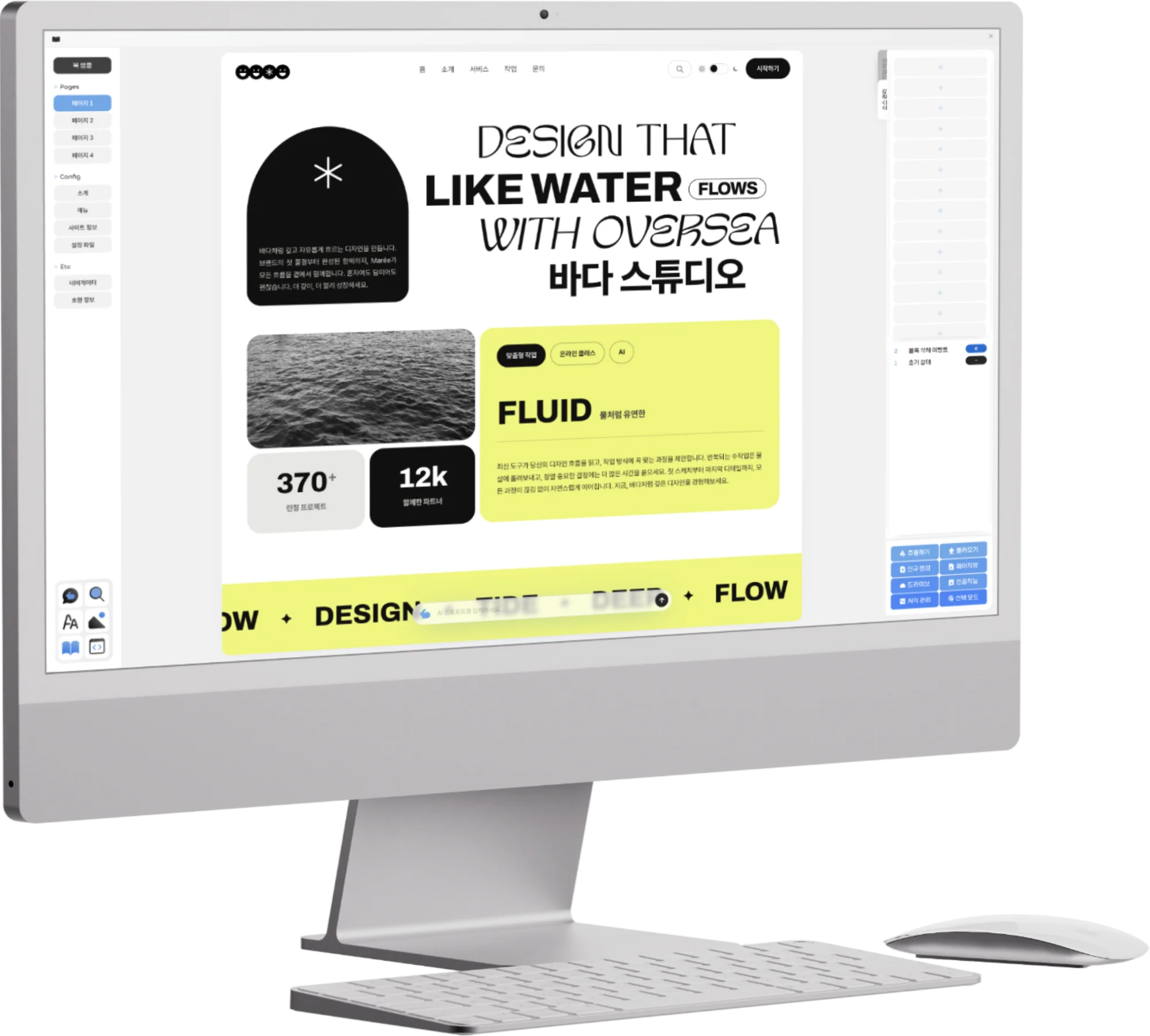




Once I had decided to build an EPUB editor, I went straight into implementation. Looking back, my reasoning at the time was quite linear. An EPUB is ultimately a compressed bundle of web documents: XHTML for the body, CSS for styles, and package information in an OPF file plus an NCX or nav document. So if a web developer were building an EPUB editor, it seemed most natural to build on TypeScript and Node.js and to control the file tree, packaging, code editing, preview and storage structure directly.
I set up the first project as a Node.js + TypeScript structure. On the server side, an EPUB project was treated like a single working directory, and on the front end each XHTML and CSS resource could be opened as its own editing unit. At the center of the editor I plugged in CodeMirror 6. CM6 has a good extension architecture, and its language packages and transaction/update listeners let me detect input state in fine detail, so I could build a far more stable code-editing experience than a plain textarea would allow.
What I was really building then was closer to “a web-based EPUB IDE more automated than Sigil.” I turned the EPUB's `META-INF/container.xml`, `OEBPS/content.opf`, body XHTML, CSS, images and font resources into a project tree, and every time a file was opened I created a CodeMirror instance matching that resource. When the user typed in the body, an update listener detected the change, reflected it in the internal state, and, where needed, re-tidied the HTML fragment. Looking back now, that first build was less an editor for creators than a developer tool for handling EPUB packages.
Treating the EPUB Project Like a File System First
At first I looked at EPUB from the package structure rather than from the creator's screen. Creating a new book generated a default folder tree, and the OPF file got its metadata, manifest and spine set up. Adding a body file meant putting an XHTML item in the manifest and reflecting its reading order in the spine. CSS files were registered as separate resources and linked from the body XHTML with a link tag.
As a developer, this approach was clear. An EPUB is a bundle of files governed by rules that a reading system has to follow, so the editor only has to manage those rules consistently. A file can't be missing from the manifest, body text not in the spine disappears from the reading order, and images or fonts not registered in the OPF become orphan resources inside the package. So in the first build I tried to tie the project tree and the OPF state together tightly.
Even adding a single file wasn't just a matter of adding an entry to a UI list. Internally the resource path, media-type, manifest id, whether it belongs in the spine, and the relative paths referenced from the body text all had to line up. In particular, since the internal paths must survive after the EPUB is zipped up, I needed to manage the names shown on the front end separately from the real package paths.
At the time I thought that if the editor handled this structure well automatically, users would be much better off. They wouldn't have to build the folder tree themselves or edit the OPF by hand, and adding a resource would update the manifest on its own. But that judgment rested on a premise: that users would at least accept the fact that “an EPUB is a bundle of these files” and get used to a way of working that involves editing those files.
CodeMirror 6 and HTML Editing
I built body editing around CodeMirror 6. Every XHTML file got its own CM6 EditorView, and the document state was managed with EditorState. When input arrived, the update listener received the transaction, checked whether anything had changed, and reflected the changed string in the internal document model. At save time, that string was serialized back into the XHTML file's contents.
` tags paragraph by paragraph, and if they selected an area and double-clicked or right-clicked, they could rename the tag or add attributes. I also imagined a flow where a class is attached to the selected area and then linked, as a selector, from the CSS side. It was a layer of creator-facing controls laid over a code editor.
Technically it was rather fun work. I had to read the selection range in CM6, track which tag in the HTML string that range sat inside, and when the tagName or an attribute was changed from the context menu, modify the original string. This wasn't plain text editing. I had to keep the HTML structure inside the string and the user's selection in sync at all times. Get it wrong and the cursor position drifts, tags break, and the undo stack and internal state fall out of step.
Resource Drops and Automatic OPF Manifest Updates
Images and fonts were a frequent sticking point in EPUB production. Putting a file in the project isn't the end of it. You have to add an item to the OPF manifest, get the media-type right, and make the paths referenced from the body text or CSS stable. For fonts, that can extend to the CSS `@font-face`, and images can be referenced from an XHTML `img src` or a CSS background.
So I attached drag and drop events to the CodeMirror 6 area. When a user dragged in an image or font file, I added it to the internal resource store and generated an OPF manifest item based on the file extension and MIME type. If the same name already existed, I regenerated the path to avoid a collision, and when the file was dropped onto the body editor, I inserted an `img` tag or reference code at that position.
By my standards at the time, this feature was a real step forward. Missing resources are a common error in EPUB packages, and when the manifest and the actual file list diverge, it becomes a problem at the distribution stage. If the editor took the drop event and handled resource registration and reference insertion in one go, users could avoid opening the OPF themselves.
But the same limitation lurked here too. As a developer I attached great meaning to “the manifest updates automatically,” but users didn't know what a manifest was. What they wanted was “I want to put this image here,” not “I want to register this resource in the manifest and reference it from the XHTML.” What I had automated was EPUB's internal rules, while the unit of work users felt was still the scenes and paragraphs of the book.
Saving to IndexedDB
I took the storage architecture seriously from the start. In a web-based editor, losing a manuscript is fatal. Book work in particular isn't something finished in one sitting; it goes on for days, weeks, months. A storage design that depends only on the server can be affected by network conditions, login state and server outages, and there was also the burden of always sending a manuscript off to an external place.
So I made active use of the browser's IndexedDB. I designed it so that, per project, the body XHTML, CSS, images, fonts, OPF metadata and working state were saved locally, and during editing only the changed resources were updated. localStorage fell short on capacity and structure, and IndexedDB was a better fit for handling files, large strings and blobs together.
Autosave couldn't be built simply by overwriting the whole project at fixed intervals. As the number of resources grows, the cost of serializing everything grows, and rewriting images and fonts every time is inefficient. So internally I tried to handle changed document state and resource state separately. The XHTML/CSS strings being edited were saved quickly, and blob resources were updated only when they were added or replaced.
This decision later became a major backbone of Opkle Editor. Concepts such as local-first storage, autosave, work recovery and project management inside the browser became important from this point on. Still, as with the rest of the first implementation, it was technically meaningful but didn't fundamentally change the user's working experience. However stable the saving was, if the editing screen was still code-centered, users kept finding it hard.
The Limits I Hit Right After the First Build
After finishing the first build, I showed it to some authors I knew. I was fairly confident. I had added EPUB project creation, OPF setup, XHTML/CSS editing, resource drops, automatic manifest updates and IndexedDB autosave, so I thought it was far easier than the existing tools. As a developer, I had certainly cut a lot of friction.
But the authors' reactions were different. They still said it was hard. More precisely, the difficulty I thought I had reduced wasn't the users' core difficulty. Without knowing HTML and CSS syntax in detail, it was hard to understand why the screen was split into so many code areas. There was a body editor and a style editor separately, tags carried classes, and the CSS had to call those classes back in as selectors.
I had thought that wrapping tags automatically would make things easier, but to users the automatically wrapped tags were themselves unfamiliar. Even if you let them change tags by double-click or right-click, if they don't know why a tag needs changing, that feature becomes a new burden instead of a convenience. Even if you let them edit CSS separately, without understanding the relationship between selectors and declarations, the freedom feels like complexity.
That left me feeling a little ashamed. I had said I was building a tool for creators, yet I was still designing ease from the viewpoint of someone who knows HTML and CSS. I had made people type less code, not made it possible to make a book without knowing code. Users didn't want to learn the internal structure of EPUB. They wanted to make their own books.
The Conclusion That We Had to Move Beyond a Code Editor
That first build was less a failure than a necessary waypoint. The system that automatically generates the EPUB project structure, updates the OPF manifest, saves to IndexedDB and handles HTML and CSS on top of CodeMirror 6 clearly remained an important foundation afterward. The editor's storage structure, resource management and sense of packaging were formed then.
But that build also showed me what problem I really had to solve. The difficulty of making EPUBs didn't lie simply in having to type a lot of tags. It lay in the creator having to keep thinking in the concepts of HTML and CSS while making their book. Show tags to someone who wants to fix a paragraph, show selectors to someone who wants to adjust the feel of an image, and the language of the work keeps shifting.
From then on I thought the editor had to change more deeply. Making a code editor a bit friendlier wasn't enough. The screen creators look at had to move closer to the structure of the book itself, and the way of working had to change from the units of code to the units of paragraphs, images, scenes and styles. HTML and CSS weren't going to disappear; they had to work quietly behind the editor.
The first implementation taught me something very important. The ease a developer imagines and the ease a creator feels can be different. If you don't admit that difference, however many features you add, the tool will keep wearing a difficult face. From then on, Opkle Editor had to become not a mere EPUB code editor but an editing environment where creators handle their own books directly.
© Abstract Cloud. All Rights Reserved.
+82 10-2747-3403
are copyrighted by Opkle.